Merchant Withdrawal
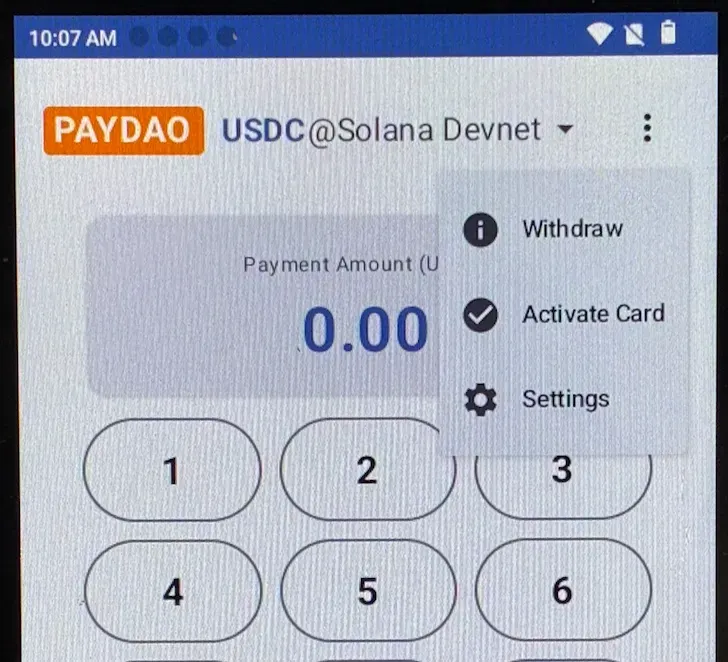
On the PAYDAO application interface, click the「 ⋮ 」 icon in the top right corner and click 「Withdraw」.
Under USDC Received, the Balance will be displayed, representing the current withdrawable stablecoin balance.
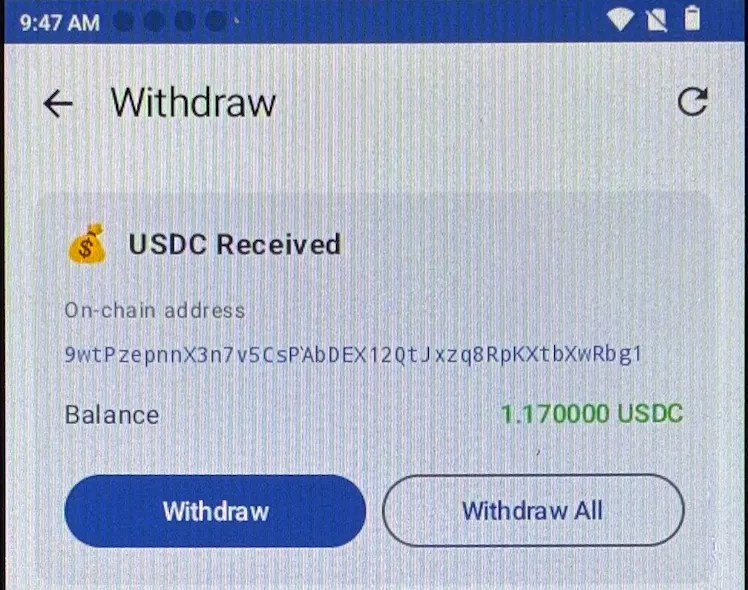
- Click 「Withdraw」 and enter the withdrawal amount for a partial withdrawal, or click 「Withdraw All」 for a full withdrawal.
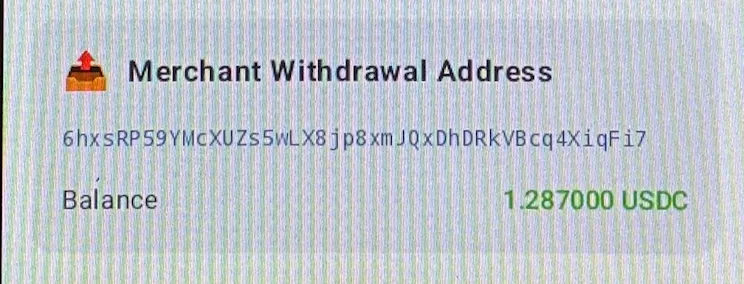
- The corresponding funds will be withdrawn to the previously configured Merchant Withdrawal Address; the address and balance can be verified on this interface.
Note:
*Once a user's payment transaction is completed, withdrawals can be made at any time with no limit on the number of withdrawals.