PAYDAO Card Activation
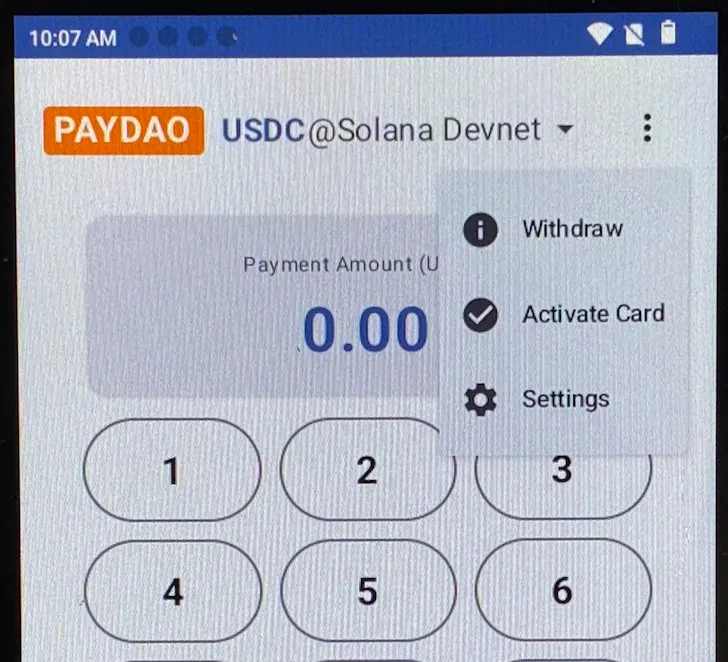
On the PAYDAO application interface, click the「 ⋮ 」icon in the top right corner and click 「Activate Card」.
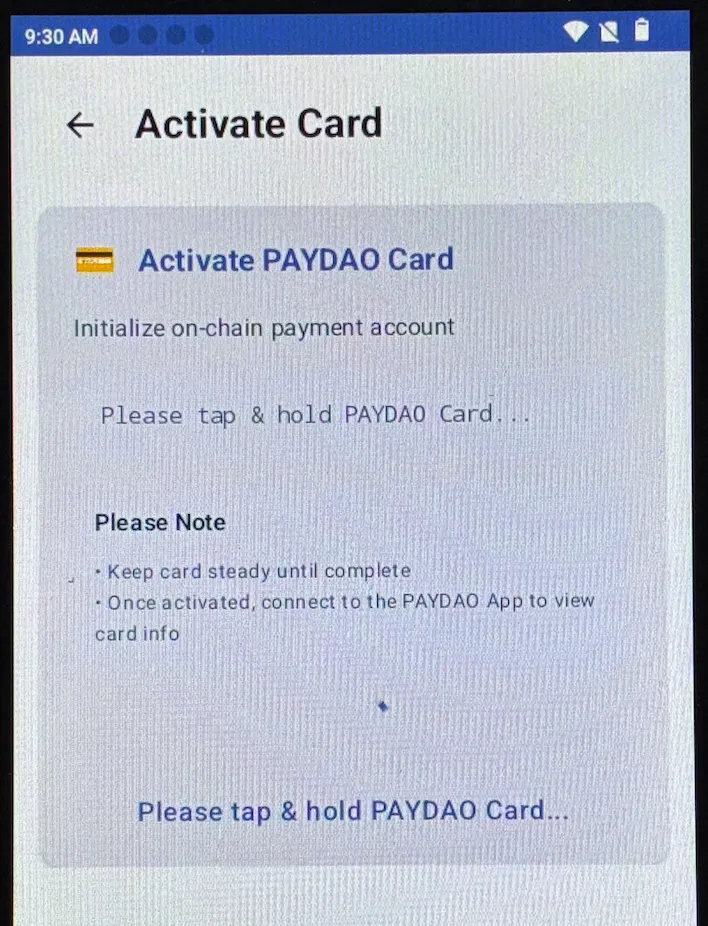
Place the unactivated card on the NFC induction area of the POS Terminal and hold for a few seconds; do not move it during this process.
Once the card is successfully activated, the following interface will be displayed.
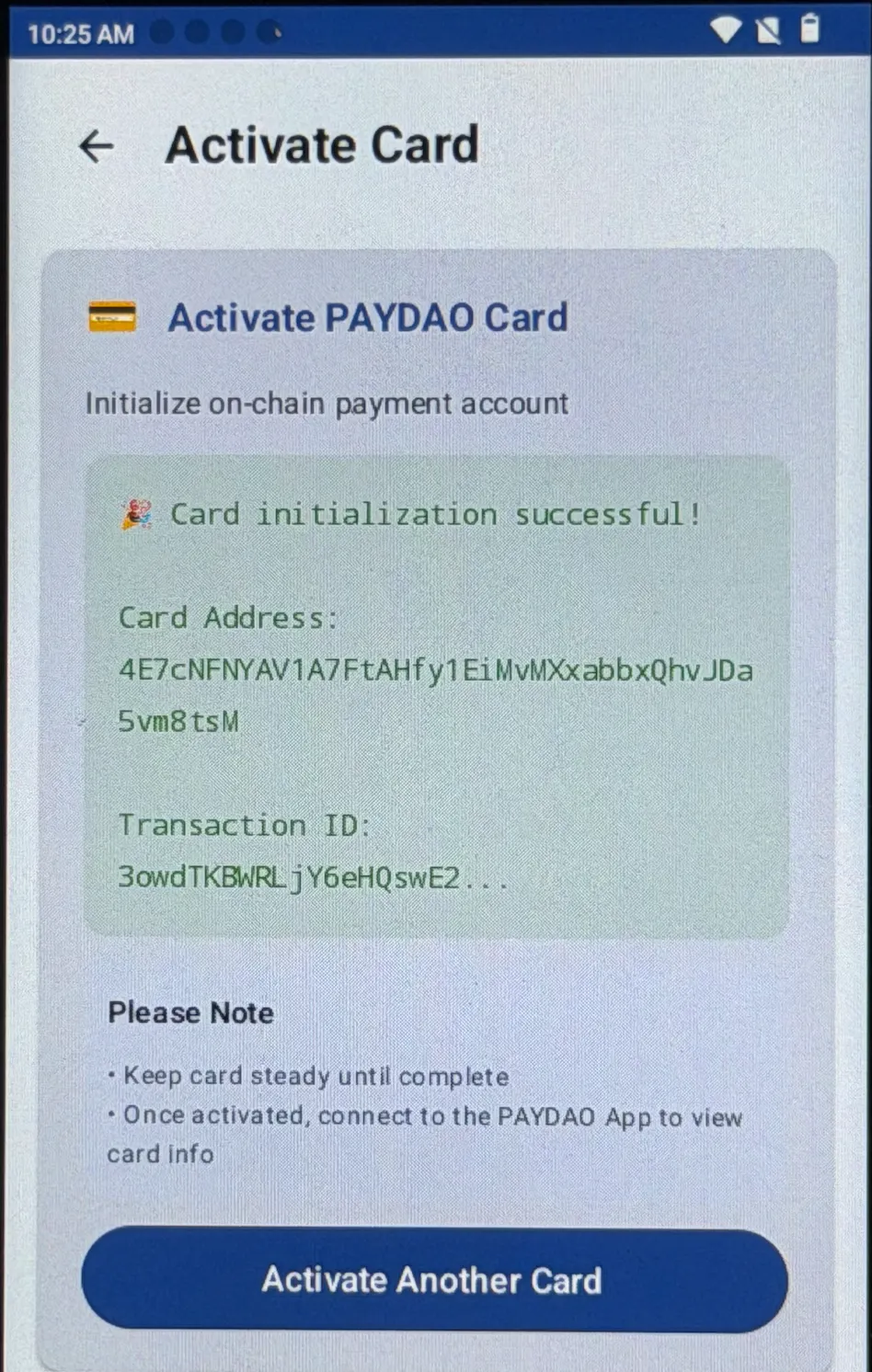
- Click 「Activate Another Card」 to begin activating the next card. If no further activations are required, click the arrow in the top left corner to exit.
Important Note:
*User payment cards must be activated on the POS Terminal; otherwise, they cannot be used.